
Digital signage has quickly become one of the most effective tools for modern businesses. Whether you run a retail store, hotel, hospital, shopping mall, or corporate office, the right commercial display can capture customer attention, deliver real-time information, and strengthen your brand image.
Yet with so many models, specs, and suppliers on the market, buyers often feel overwhelmed. This guide breaks down the core factors you should evaluate before purchasing, so you can make a smart, cost-effective decision.
1. Define Your Installation Environment First
The very first question to answer is: where will the screen be installed? The environment directly determines the brightness level and protection rating you need.
For standard indoor spaces such as restaurant lobbies, office receptions, or retail stores, a normal brightness display (around 350–500 nits) is usually sufficient. However, if the screen will be placed near large windows or under strong ambient light, you should choose a high-brightness panel (700 nits or above) to ensure clear, readable visuals throughout the day.
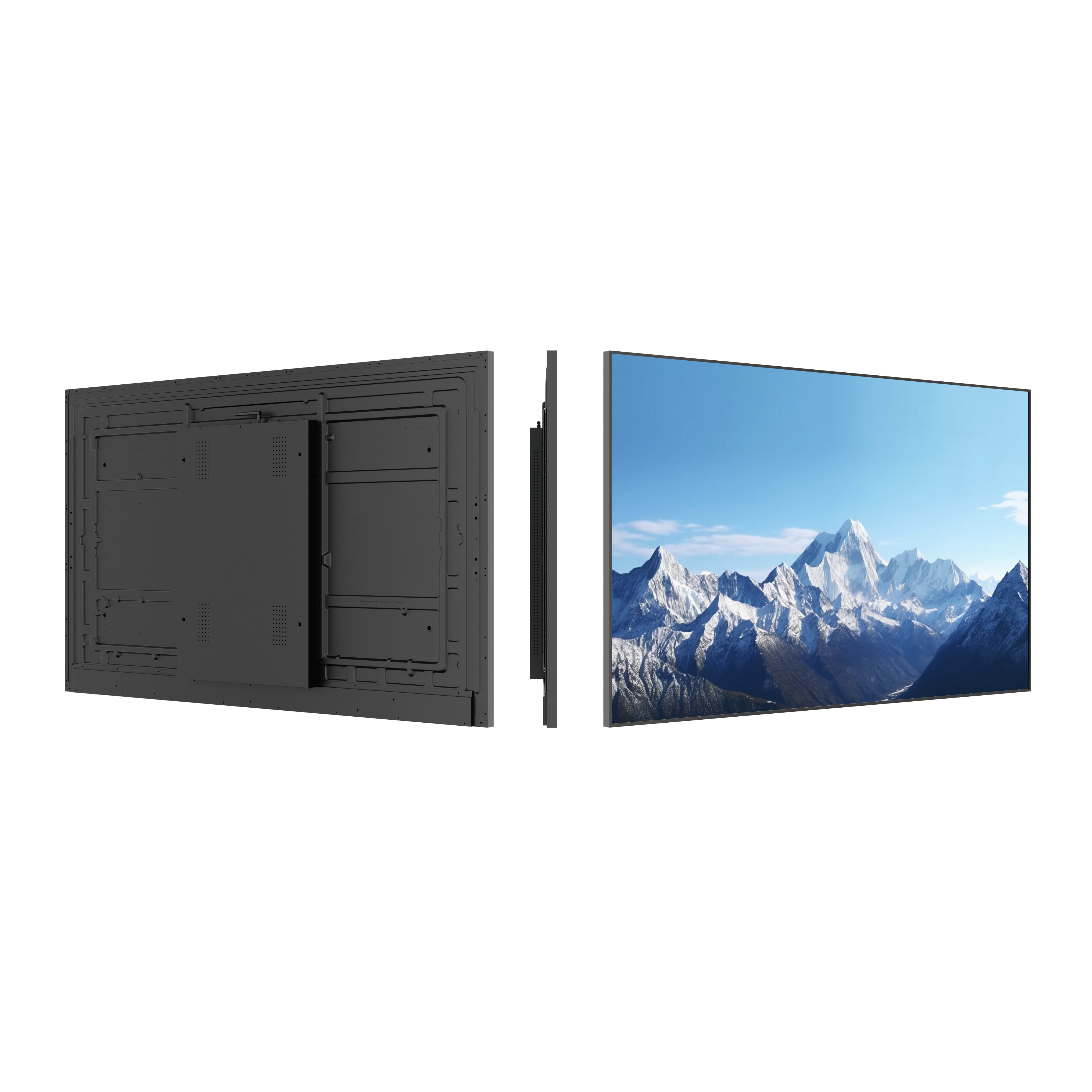
For semi-outdoor or outdoor locations, moisture, dust, and temperature changes become real concerns. In these cases, wall mounted digital signage with an IP65 waterproof and dustproof rating is strongly recommended. Such displays are built to withstand harsh conditions while maintaining stable performance year-round.
2. Decide on the Installation Style: Wall Mounted vs. Floor Standing
Commercial digital signage generally comes in two mainstream formats, each with its own advantages.
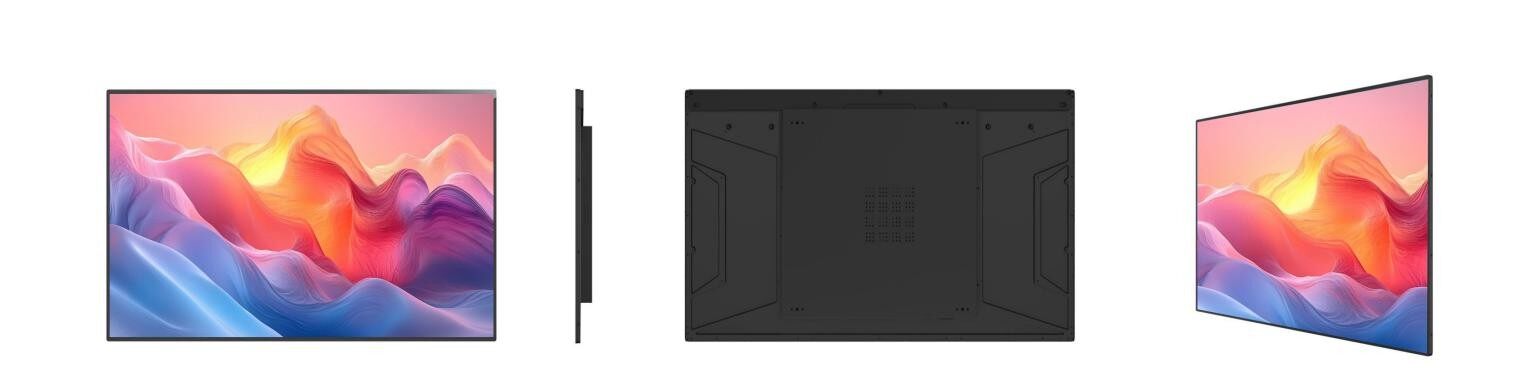
Wall mounted digital signage is ideal when you need to save floor space. It is widely used in hospital corridors, retail shops, elevator lobbies, and restaurant self-service zones. Mounted flush to the wall, it looks clean and professional while reducing the risk of accidental collisions.
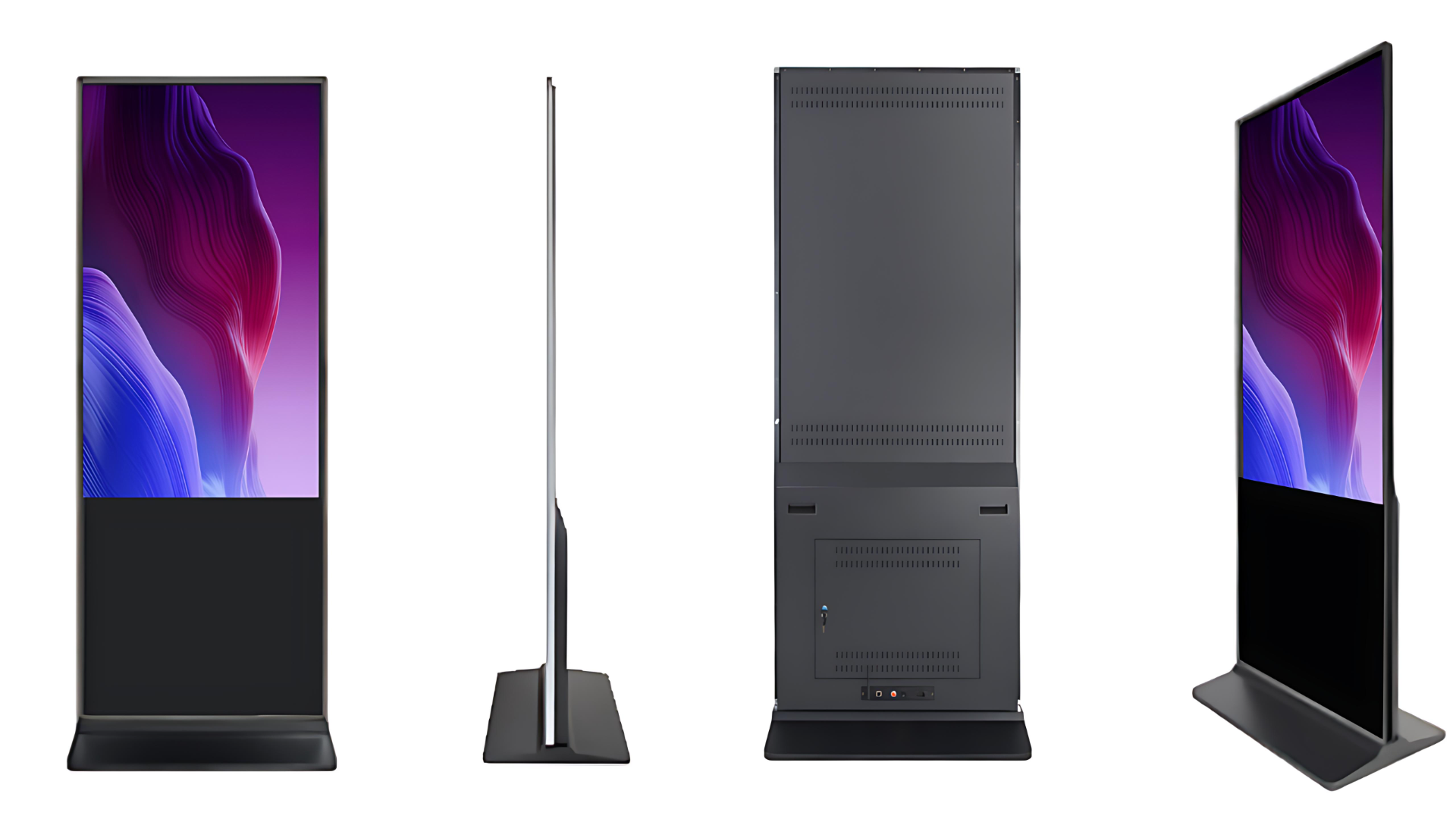
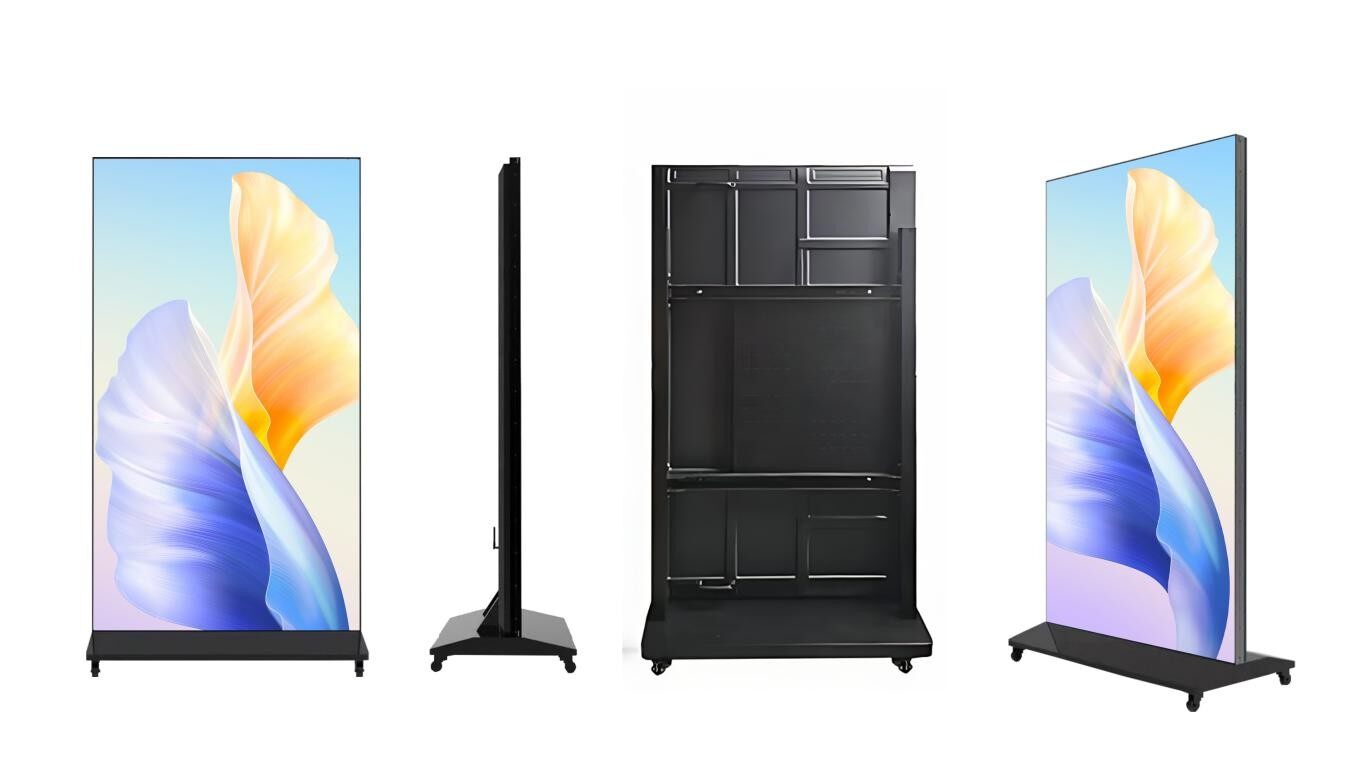
On the other hand, floor standing digital signage is a freestanding unit that can be easily moved and repositioned. This makes it a great fit for hotel lobbies, exhibition halls, shopping mall entrances, and event venues where flexibility matters.
3. Match Screen Size to Your Viewing Distance
Choosing the right screen size is not about going bigger — it is about matching the size to the viewing distance.
Short distance (1–2 meters): 15.6 inch to 23.8 inch screens work best. Ideal for reception desks, checkout counters, and small kiosks.
Medium distance (2–4 meters): 27 inch to 43 inch displays provide a comfortable viewing experience for lobbies and waiting areas.
Long distance or large open areas: 49 inch and above, or an LCD video wall for a stunning, seamless large-format display that commands attention.
4. Pick the Right Operating System: Android or Windows
Most commercial digital signage today runs on either Android or Windows. Understanding the difference helps you avoid paying for features you do not need.
The Android system is stable, cost-effective, and easy to operate. It supports remote content management through CMS (Content Management System) software, making it the most popular choice for advertising loops, promotional videos, and informational displays.
The Windows system is better suited for complex, interactive applications. If you need a touch screen kiosk that runs custom software, handles multi-task operations, or integrates with third-party systems, Windows is usually the safer choice.
5. Touch or Non-Touch — Do You Need Interaction?
This decision depends entirely on your use case.
Non-touch digital signage is primarily used for advertising playback — videos, images, and scheduled content. It is budget-friendly and highly reliable since there are fewer moving parts.
Touch screen kiosks, however, open up a world of interactive possibilities. Visitors can search for information, fill out forms, check in, or even make payments. This is why touch kiosks are so widely adopted in hotels, museums, hospitals, and government service centers.
6. Verify Certifications for Your Target Market
If you are importing commercial displays to North America or Europe, certification is not optional — it is essential.
Products sold in the EU must carry the CE mark, while those entering the US market need FCC certification. These certifications confirm that the display meets local safety and electromagnetic standards, and they are required for smooth customs clearance.
DSBOLAN provides fully CE and FCC certified digital signage and touch kiosks, making it easier for global buyers to import without compliance headaches.
7. Evaluate After-Sales Support and Customization Capability
Not all suppliers are created equal. Many overseas buyers need customized sizes, logos, colors, or special features such as built-in cameras, POE power supply, or specific mounting brackets.
When selecting a partner, look for a factory that offers OEM and ODM services and can adapt to your exact requirements. Equally important is the warranty — a reliable manufacturer will provide a clear warranty term and responsive technical support long after the sale.
Final Thoughts
Choosing the right digital signage does not have to be complicated. Start by clarifying your installation environment, viewing distance, interaction needs, and budget. Then compare brightness, operating system, certifications, and factory service quality before making your final choice.
If you are looking for a trusted supplier with factory-direct pricing, professional customization, and global certification support, feel free to reach out to DSBOLAN for a free quotation and expert technical advice.